Interaction Design That Feels Effortless
We craft digital interactions that feel invisible in the best way—smooth, intuitive, and natural. Every tap, click, and scroll is designed to help your users succeed without getting in the way.

























What Sets Us Apart
Interactions aren’t just about usability—they’re about outcomes. We design flows that guide users seamlessly toward your business goals while feeling effortless to them.
We strip away unnecessary steps, reduce cognitive load, and design for efficiency—so users get where they need to go faster, with less effort.
Interactions that work for one screen should work for a million. We design systems that adapt gracefully across devices, contexts, and user growth.
How We Approach Interaction Design
Building experiences that guide, not confuse
Our designs are built to guide, not overwhelm. We focus on clarity, predictability, and consistency, so users instinctively know what to do next.
- Interaction models & user flows
- Prototyping & scenario testing
- Navigation design
- Accessibility and inclusivity
Our Interaction Design Process
Building the foundation for great interactions
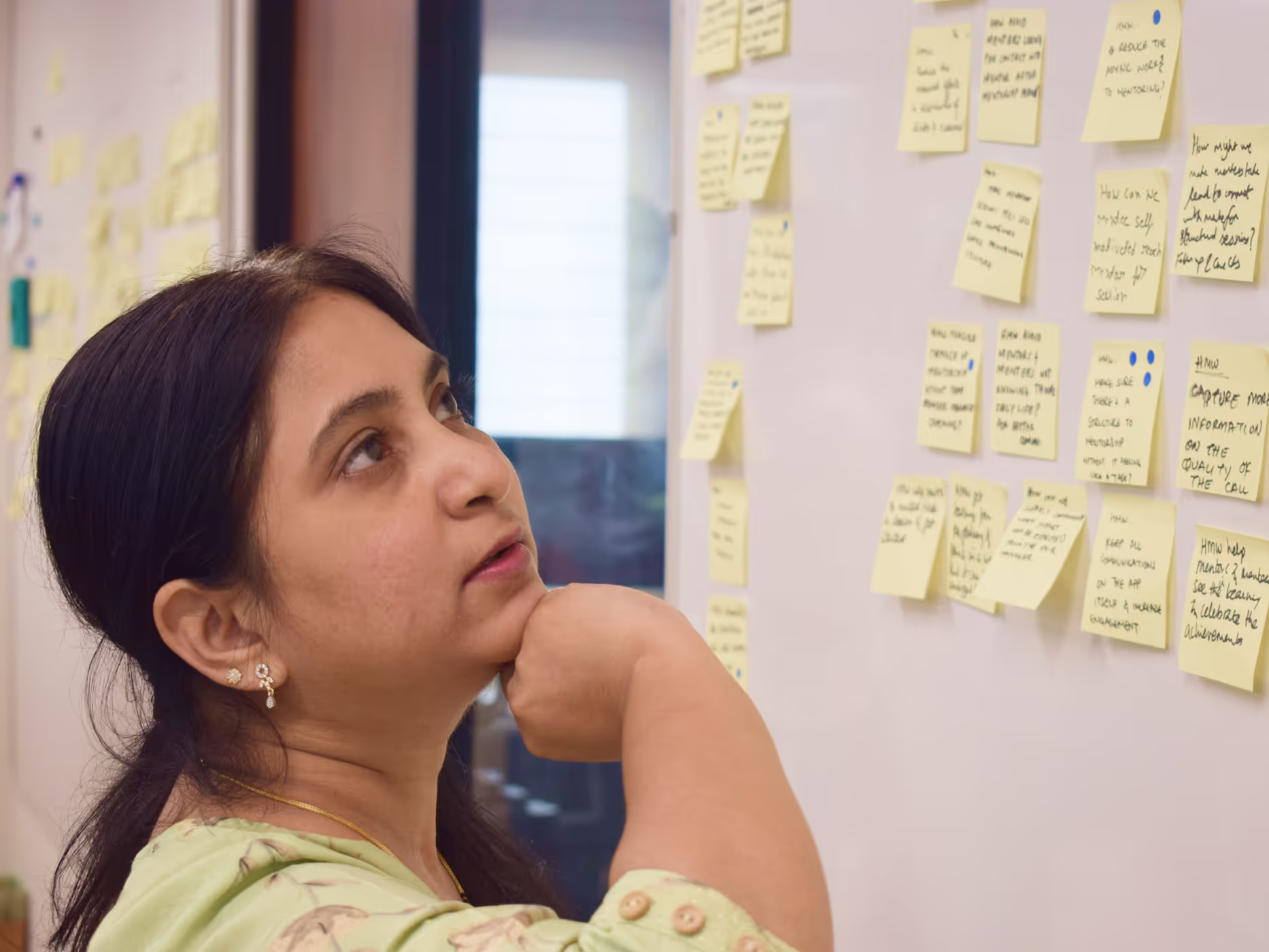
- Stakeholder alignment workshops
- User behavior research
- Task analysis & usability review
- Defining success metrics
Turning insights into interactive flows
- Interaction flow mapping
- Interactive prototypes
- Usability testing & refinement
- Iterative improvements
Perfecting every interaction for real-world use
- High-fidelity motion specs
- Micro-interaction documentation
- Developer collaboration & testing
- QA support for consistency
Our Case Studies

Simplifying AI Workflows
Designed step-by-step interactions that broke complex tasks into approachable actions.


Making Payments Feel Effortless
Streamlined critical steps with predictive design, contextual feedback, and faster error recovery.

Guiding Complex AI Tools
Progressive interactions that introduced features gradually, giving users confidence as they advanced.
Our Tools & Methods
 FigmaFor collaborative design and prototyping
 FigJamFor workshops and ideation sessions
 PrincipleFor advanced interaction design
 MazeFor user testing and validation
 NotionFor documentation and project management
- Design SprintsRapid validation of concepts
- User InterviewsDeep qualitative insights
- Usability TestingValidation and optimization
- Analytics ReviewData-driven decision making
- A/B TestingPerformance optimization

"Parallel’s interaction designs make our product feel invisible—everything just works the way users expect."


Why Choose Parallel for Interaction Design
We combine behavioral science with design expertise to create interactions that match how people naturally think and act.
Our interaction design work has increased conversions, reduced churn, and supported billions of real-world transactions.
We design with you, not just for you. Frequent reviews, clear communication, and iterative cycles keep you involved.
We don’t just design one-off flows—we build systems of interactions that scale across your product ecosystem.
We’ve been featured around the world
 The Hindu Business Line
Dark patterns and digitally conscious products
 Mint
MintHealth-tech, travel apps in India biggest users of deceptive patterns that can manipulate consumer decisions
 The Hard Copy
Making Digilocker easier to use
 Muzli
Muzli10 Tips to Make Apps More Human by Designing for Privacy
 The Hindu
52 out of 53 top Indian apps use dark patterns to deceive users
 Sprint
Reimagining digital documents for a billion Indians with a Design Sprint
 Bootcamp
Can user testing help you reduce product cycles?
 Hackernoon
Account Aggregators: What Are They and how will they change the Fintech ecosystem?
FAQs
